
Life Steps
Support Stream, Inc.Business
4.244.00 Reviews
- Version
- 2.1.7
- Installs
- 10.00K
- Age Rating
- Everyone
Screenshots
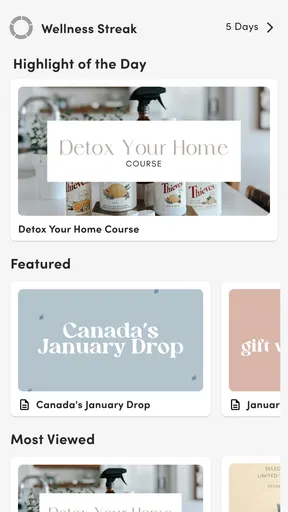
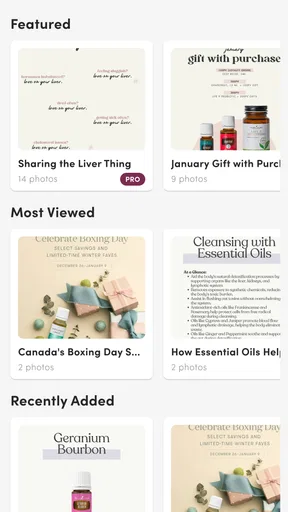
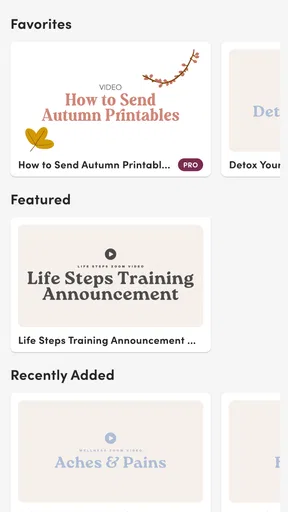
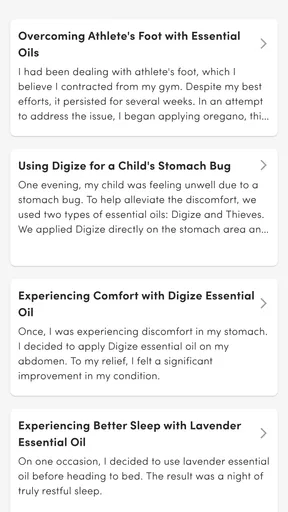
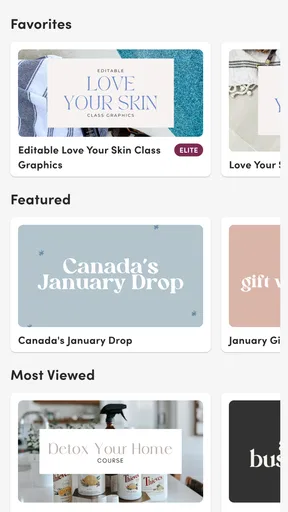
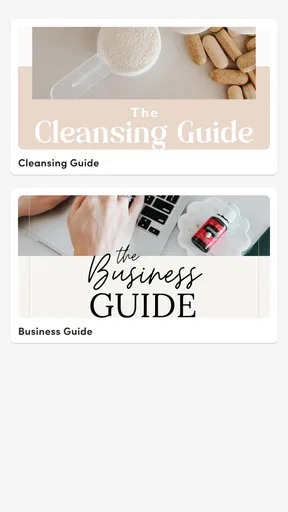
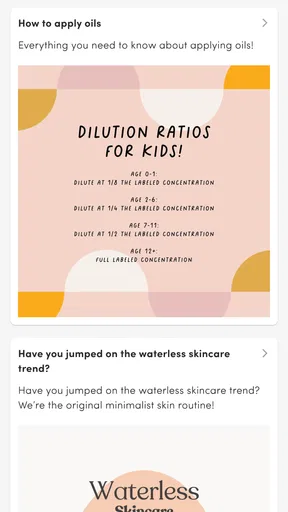
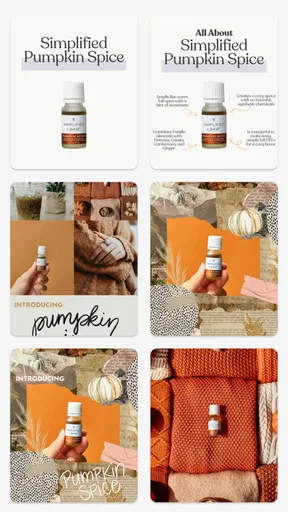
Our Review of Life Steps
 Analysis by Appyee
I approached Life Steps as a business-oriented companion for people who want essential-oil and Young Living information in one place, but I also paid attention to something more important than a polished topic list: how comfortable the app feels when health-related interests and personal choices enter the picture. It is free to download, aimed at Everyone, and comes from Support Stream, Inc. That makes it easy to try without committing money at the start, although optional in-app items range from $12.99 to $39.99 each.
My overall impression is that Life Steps works best as a guided reference and learning tool rather than as a complete health service, shopping replacement, or professional medical resource. Its focus is narrow enough to feel purposeful, yet broad enough to appeal to someone exploring essential oils, everyday wellness ideas, and the Young Living ecosystem. The important question is not whether it covers every possible need; it does not. The better question is whether its focused approach helps you make calmer, more informed choices than jumping between scattered web pages, social posts, and product discussions.
What Life Steps is really useful for
The app sits in the Business category, which is a useful clue about its role. I would not open it expecting a clinical symptom checker, a meditation platform, or a general-purpose task manager. I see it more as an organized doorway into a particular wellness community and its terminology. That distinction matters because essential oils often appear in conversations that mix personal routines, product education, lifestyle advice, and health claims. A focused app can make that material easier to follow, but it should not turn informal guidance into medical certainty.
In practical terms, I found the concept most appealing for three kinds of users. The first is someone new to essential oils who wants a single starting point instead of searching through unrelated sources. The second is a Young Living customer or curious observer who wants context around the brand’s world without relying entirely on short social-media posts. The third is a person building a personal wellness routine who values quick reference material and prefers a dedicated app over browser bookmarks.
The app has a modest but meaningful footprint, with over ten thousand installs and an average rating of 4.2 from roughly one hundred ratings. I treat that as encouraging rather than conclusive. It suggests that many users find the experience worthwhile, while the relatively small review pool means I would still test it personally before making it central to my routine.
A realistic everyday use case
Imagine preparing for a busy week and wanting to organize a simple evening routine. You might use Life Steps to review the terminology around an oil or wellness topic, note which ideas sound relevant to your preferences, and then compare that information with advice from a qualified professional when the subject touches a medical condition, pregnancy, medication, allergies, or a child’s care. The app can help structure the first part of that process; it should not be the only voice in the second.
That workflow is one of the strongest ways to use it because it separates education from decision-making. I would keep a short personal note beside the app with three headings: what I am considering, what I still need to verify, and what I have decided not to try. This prevents a persuasive description from becoming an automatic purchase or a health experiment. It also makes the app more useful over time, because I return with specific questions instead of browsing without a purpose.
Where it differs from usual alternatives
The usual alternatives are search engines, social networks, brand pages, printed reference books, or conversations with other users. Search is faster when I need a very specific answer, but it also mixes reliable sources with anecdotes and promotional material. Social platforms provide personal experiences, yet they can reward confident claims over careful ones. A book may offer more depth, while a brand page may be better for official product details. Life Steps occupies the middle ground: more focused than general search, more convenient than a book, and potentially easier to navigate than a stream of disconnected posts.
That middle position is also its main trade-off. A focused app can frame a subject in a particular way. If I want independent comparisons, medical evidence, ingredient analysis, or advice from several schools of thought, I need additional sources. I would not use Life Steps as my only research tool, especially when the decision involves replacing treatment, changing medication, or applying oils directly to the skin.
Trust, controls, and making careful choices
Trust is where I become more deliberate. Life Steps deals with essential oils, health, and a named commercial ecosystem, so I do not judge it only by convenience. I want to know what choices are visible, what information I am being asked to provide, and whether I can use the useful parts without feeling pushed toward a particular action. The app’s free entry point helps lower the initial barrier, but the presence of paid items means I would still review each purchase screen carefully before confirming anything.
I also recommend treating every optional payment as a separate decision rather than assuming that buying access is necessary for basic exploration. If the free experience answers your introductory questions, there is no reason to purchase immediately. If a paid item appears valuable, I would first check its exact description, whether it is a one-time purchase, and what practical problem it solves for me. Those are simple habits, but they are especially useful in wellness apps, where enthusiasm can easily outrun evaluation.
The developer is Support Stream, Inc., and the current version is 2.1.7. The app supports Android 7.0 and later, which makes it accessible on many older devices. That broad compatibility is convenient for people who keep a reliable older phone, although I would still pay attention to how the app behaves on my particular device before relying on it during travel or in a work routine. Compatibility on paper does not guarantee that every screen feels equally comfortable on every handset.
What I would check before sharing information
When an app touches health interests, I prefer to begin with the minimum information needed to use it. I would avoid entering sensitive personal details simply to personalize a general browsing experience unless the reason is clear and the benefit is worthwhile. I would also look for visible account settings, sign-out controls, purchase management, and any choices related to notifications. These are not glamorous features, but they determine how much control I retain after the first installation.
My approach is simple: install, explore without rushing, inspect the account area, and only then decide whether creating or connecting an account makes sense. I would use a distinct password if registration is required, and I would avoid treating the app as a private health diary unless its own controls clearly support that use. The app may be useful for learning without becoming the place where I store sensitive medical history.
I would take the same care with notifications. A reminder can be helpful if I deliberately choose it, but unwanted prompts can make a wellness tool feel like a sales channel. If Life Steps offers notification choices on the device or inside the app, I would keep only the alerts that support a specific routine. Turning off everything except genuinely useful reminders is often the best balance between awareness and interruption.
Health information needs a second opinion
The phrase “health” can make an app sound more authoritative than it really is. I would use Life Steps for background learning, vocabulary, routine ideas, and questions to investigate further. I would not use it to diagnose a symptom, decide whether to stop prescribed treatment, determine a safe dose, or assume that “natural” means risk-free. Essential oils can still cause problems through allergies, irritation, ingestion, interactions, or unsuitable use around vulnerable people and animals.
One practical tip is to write down the exact claim that interests you and then check it against a qualified healthcare professional or a dependable medical source. Do not ask only whether an oil is “good” or “bad.” Ask what evidence supports the proposed use, what the risks are, who should avoid it, and what safer alternatives exist. Life Steps can be the place where that question begins, but it should not be the place where the question ends.
How I would use the app without losing agency
I get the most value from focused wellness content when I treat it as a menu of possibilities rather than a set of instructions. Before opening the app, I would define a small goal: understand a term, compare two routine ideas, or prepare questions for a professional. Afterward, I would record what changed in my understanding. This keeps the experience active and prevents endless browsing from feeling like progress.
A second useful habit is separating education from purchasing. If a topic leads me toward a product, I would close the app and give myself time to compare ingredients, intended use, total cost, and independent guidance. The delay is valuable because it reveals whether I genuinely need the item or simply responded to a well-presented suggestion. For people who already buy Young Living products, this separation can help keep brand familiarity from replacing personal evaluation.
A third tip is to create a “do not use” list. It might include situations such as broken skin, known sensitivities, use around a child, or any condition where a professional has advised caution. This sounds obvious, but writing it down makes the boundary visible when convenience or curiosity takes over. The app can support learning; my own rules should control what happens afterward.
Who should consider it, and who should skip it?
I would recommend trying Life Steps if you are specifically interested in essential oils, wellness education, or Young Living-related material and want a dedicated starting point. It is also a reasonable choice for someone who prefers guided discovery to a broad web search. The Everyone age classification makes the app approachable for a wide audience, but that label should not be confused with universal suitability for every health decision.
I would skip it if you want an independent medical reference, detailed scientific literature, a neutral comparison of many brands, or a robust personal health-management system. I would also look elsewhere if your main goal is budgeting, inventory control, appointment tracking, or professional business operations. The Business category does not make it a replacement for those tools; its value comes from its specific subject area.
People who dislike in-app purchasing may also prefer a simpler reference source, particularly if they want to avoid evaluating optional content. Likewise, anyone who expects every recommendation to include extensive citations or clinical context may find the app too limited unless they are comfortable using it alongside stronger outside resources. That is not a deal-breaker for me, but it is an important expectation to set before installing.
My cautious verdict after using it
Life Steps is a focused, accessible app for exploring essential oils, health-related lifestyle topics, and Young Living material. I like its potential as a first stop, especially when I approach it with a clear question and keep purchasing separate from learning. The free starting point and support for Android 7.0 and later make experimentation easy, while the current version, 2.1.7, indicates an actively identifiable product rather than an abandoned download.
Still, I would not hand the app authority it has not earned. Its subject matter calls for careful reading, independent verification, and attention to personal circumstances. I would inspect account and notification controls, share as little sensitive information as practical, and review every optional purchase before paying. Those choices keep the experience on my terms.
My recommendation is therefore qualified but positive: try Life Steps if its narrow focus matches your interests and you want an organized companion for early exploration. Use it as a starting layer, not a final health authority. The best experience comes from combining its convenience with your own boundaries, professional advice when needed, and a deliberate pause before turning information into action.
Verdict
Strengths of Life Steps
- Simple step tracking with an easy-to-read daily progress view.
- Useful reminders can encourage users to stay active throughout the day.
- Lightweight design should work well on many Android and iOS devices.
- Goal tracking makes it easier to build a consistent walking routine.
- Clear activity history helps users review their progress over time.
Limitations of Life Steps
- Background tracking may reduce battery life on some devices.
- Accuracy can vary when the phone is not carried consistently.
- Some features may require permissions users prefer not to grant.
- Limited insights may disappoint users seeking advanced fitness analysis.
- Notifications can become distracting if reminder settings are not adjusted.
Similar Picks in This Category
View All
LinkedIn: Community & Network
LinkedIn3.8

Zoom Workplace
zoom.com4.1

Microsoft Teams
Microsoft Corporation4.6

Meta Business Suite
Meta Platforms, Inc.4.6

Webex Meetings
Cisco Systems, Inc.4.5

TeamViewer Remote Control
TeamViewer4.4
Frequently Asked Questions
What is Life Steps, and what can I use it for?
Life Steps is designed to help users organize personal goals, routines, habits, or important milestones into manageable steps. Depending on the version and platform, it may be useful for planning daily activities, tracking progress, and maintaining motivation. Before downloading, review the app’s current feature list because available tools, layouts, and supported options can vary between Android and iOS versions.
Is Life Steps suitable for beginners who have never used a habit or goal-tracking app?
Yes, Life Steps is generally aimed at users who want a straightforward way to structure goals and daily routines, including people with little experience using productivity apps. The concept is easier to understand when you begin with a small objective rather than trying to organize every area of your life at once. Take a few minutes to explore the settings and notification options before creating a detailed plan.
Does Life Steps require an internet connection to work?
Some basic functions may work without a continuous internet connection, particularly if the app stores your plans and progress locally on the device. However, features such as account synchronization, backups, updates, cloud storage, advertisements, or sharing may require internet access. Availability can depend on the current release, so check the app-store description and privacy information before relying on it offline.
Is Life Steps free to download, and are there in-app purchases?
Life Steps may be available as a free download, but users should check the official Google Play Store or Apple App Store listing for the exact pricing model in their region. Some versions of productivity apps include optional subscriptions, one-time upgrades, advertisements, or premium features. Review the purchase screen carefully before confirming payment, especially if a free trial automatically changes into a paid subscription.
What privacy information should I consider before using Life Steps?
Because Life Steps can involve personal goals, routines, notes, or progress data, privacy is worth checking before you begin. Read the developer’s privacy policy to understand whether information is stored on your device or uploaded to online services, and whether analytics, advertising, or account details are collected. Only enter sensitive information if you are comfortable with the app’s stated data practices.
